
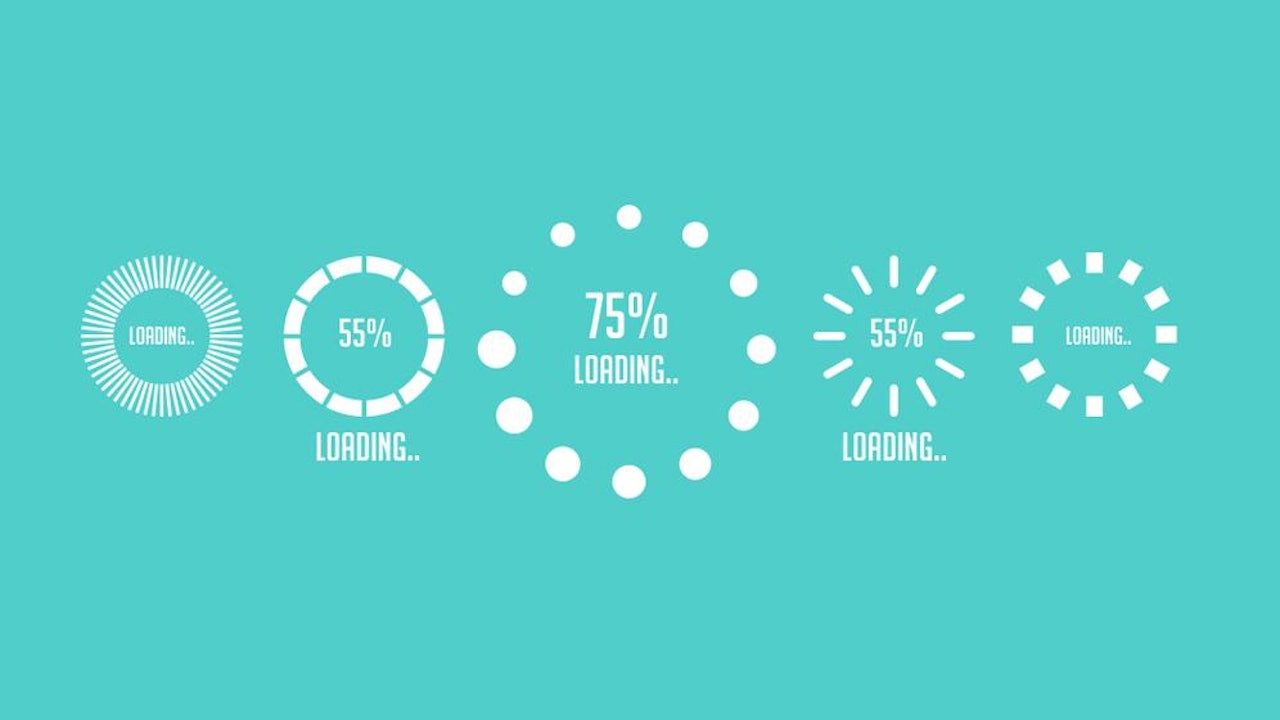
Check out loading.io to generate your own custom preloader.
STEP ONE: HTML
In your HTML markup, directly underneath your <body> tag, add a div with the class of preloader.
<div class="preloader"></div>STEP TWO: CSS
In your CSS, add the following code:
.preloader {
   position: absolute;
   top: 0;
   left: 0;
   width: 100%;
   height: 100%;
   z-index: 9999;
   background-image: url('../images/default.gif');
   background-repeat: no-repeat;
   background-color: #FFF;
   background-position: center;
}
The path of your background-image will likely be different than the one above. As well, make sure you use a .gif file, so that your preloader is animated.
STEP THREE: JQUERY
In your JavaScript file, add the following code:
$(window).load(function() {
   $('.preloader').fadeOut('slow');
});Our Amazing Sponsors
 View Website
 View Website
 View Website
Comments (0)