-
Apps
Full-stack Laravel apps, built with AI
-
Sites
Websites, apps, and more — one site workspace
-
Designer
AI-crafted Tailwind designs
-
Tails
Create websites with TailwindCSS
-
Blocks
Design blocks for your website
-
Wave
Start building the next great SAAS
-
Pines
Alpine & Tailwind UI Library
-
Auth
Plug'n Play Authentication for Laravel
-
Designer comingsoon
Create website designs with AI
-
Static
Build a simple static website
-
SaaS Adventure
21-day program to build a SAAS
Shortcodes in your Laravel App
Created on November 29th, 2015

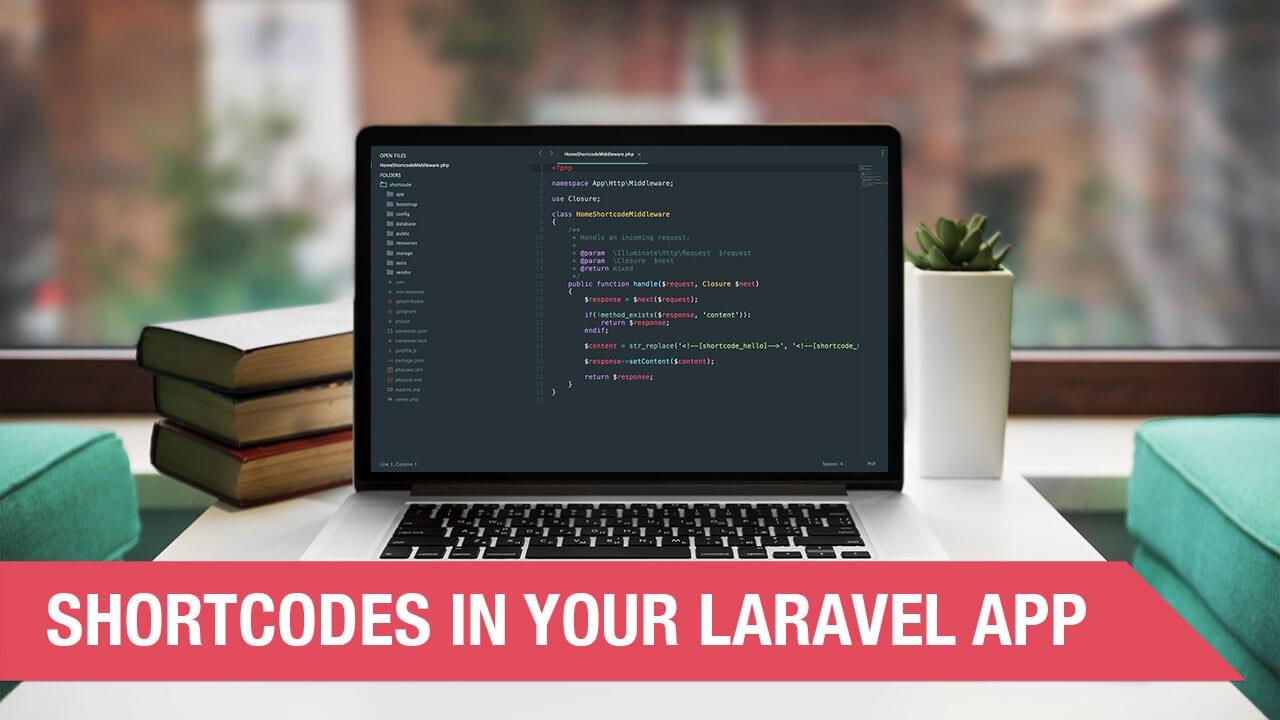
In this short video we'll show you how to inject code into your views using Middleware. You can create a shortcode in your view files and replace it with anything you would like using Middleware.
This will come in handy if you release a product and want to dynamically change content in your views from a shortcode. Here is the Middleware class that we used in the video:
<?php

namespace App\Http\Middleware;

use Closure;

class HomeShortcodeMiddleware
{
    /**
     * Handle an incoming request.
     *
     * @param  \Illuminate\Http\Request  $request
     * @param  \Closure  $next
     * @return mixed
     */
    public function handle($request, Closure $next)
    {
        $response = $next($request);

        if(!method_exists($response, 'content')):
            return $response;
        endif;

        $content = str_replace('<!--[shortcode_hello]-->', '<!--[shortcode_hello]-->Hello There', $response->content());

        $response->setContent($content);

        return $response;
    }
}
Hope you find this useful. Thanks :)
Community Sponsors
 SAAS Adventure Learn how to create your own Software as a Service.
Comments (0)