PLATFORM
-
Apps
Full-stack Laravel apps, built with AI
-
Sites
Websites, apps, and more — one site workspace
-
Designer
AI-crafted Tailwind designs
-
Tails
Create websites with TailwindCSS
-
Blocks
Design blocks for your website
-
Wave
Start building the next great SAAS
-
Pines
Alpine & Tailwind UI Library
-
Auth
Plug'n Play Authentication for Laravel
-
Designer comingsoon
Create website designs with AI
-
Static
Build a simple static website
-
SaaS Adventure
21-day program to build a SAAS
How to edit your bash prompt
Created on May 11th, 2015

Learn how to edit your bash shell prompt. It's really easy. To change your bash shell prompt you will enter in the following in your ~/.bash_profile or .bashrc file:
PS1="hello: "Or, if you want to be able to show your username and the current directory you are in, you would add the following line:
PS1="$(whoami):$(pwd) "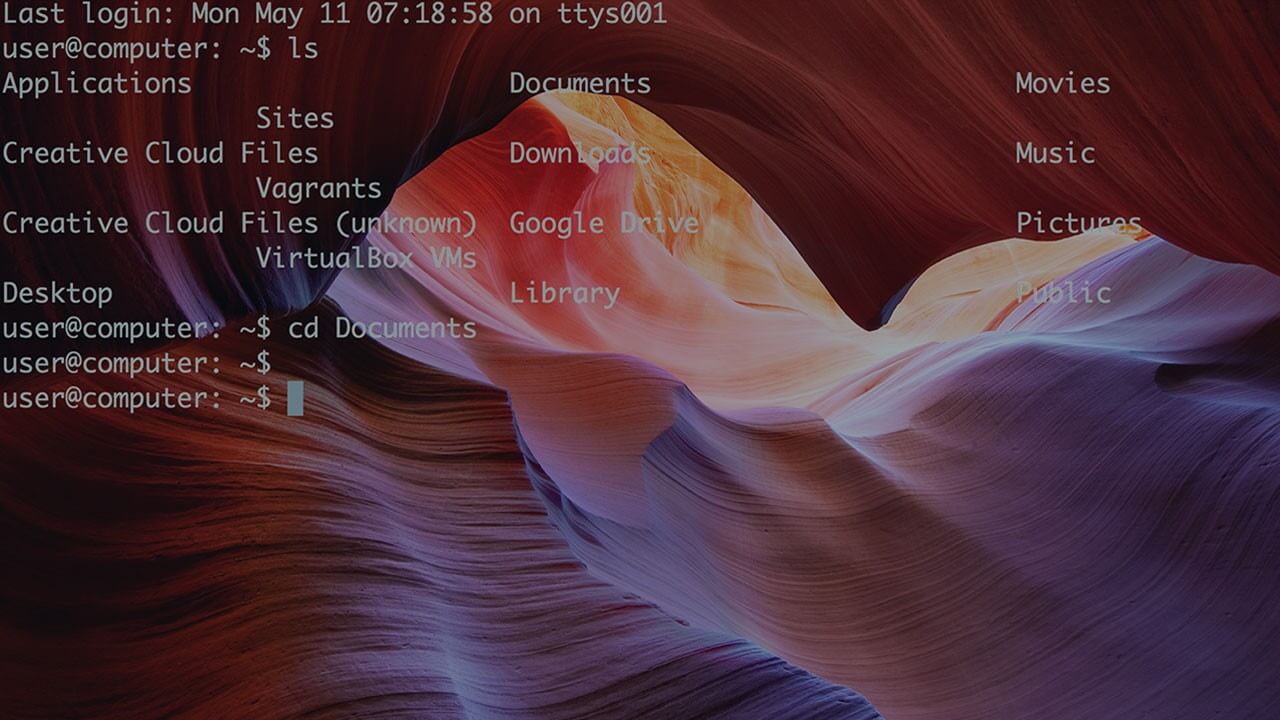
Community Sponsors
 SAAS Adventure Learn how to create your own Software as a Service.
Comments (0)